ngHive builds practical CAD, CAM, and BIM automation for engineering and manufacturing teams. We start with your real bottlenecks — repetitive modelling, drawing cleanup, toolpath setup, or system handoffs, and deliver tools your team will actually use. Prefer a clear starting point? Book a free workflow audit, and we’ll show you what is worth automating first.
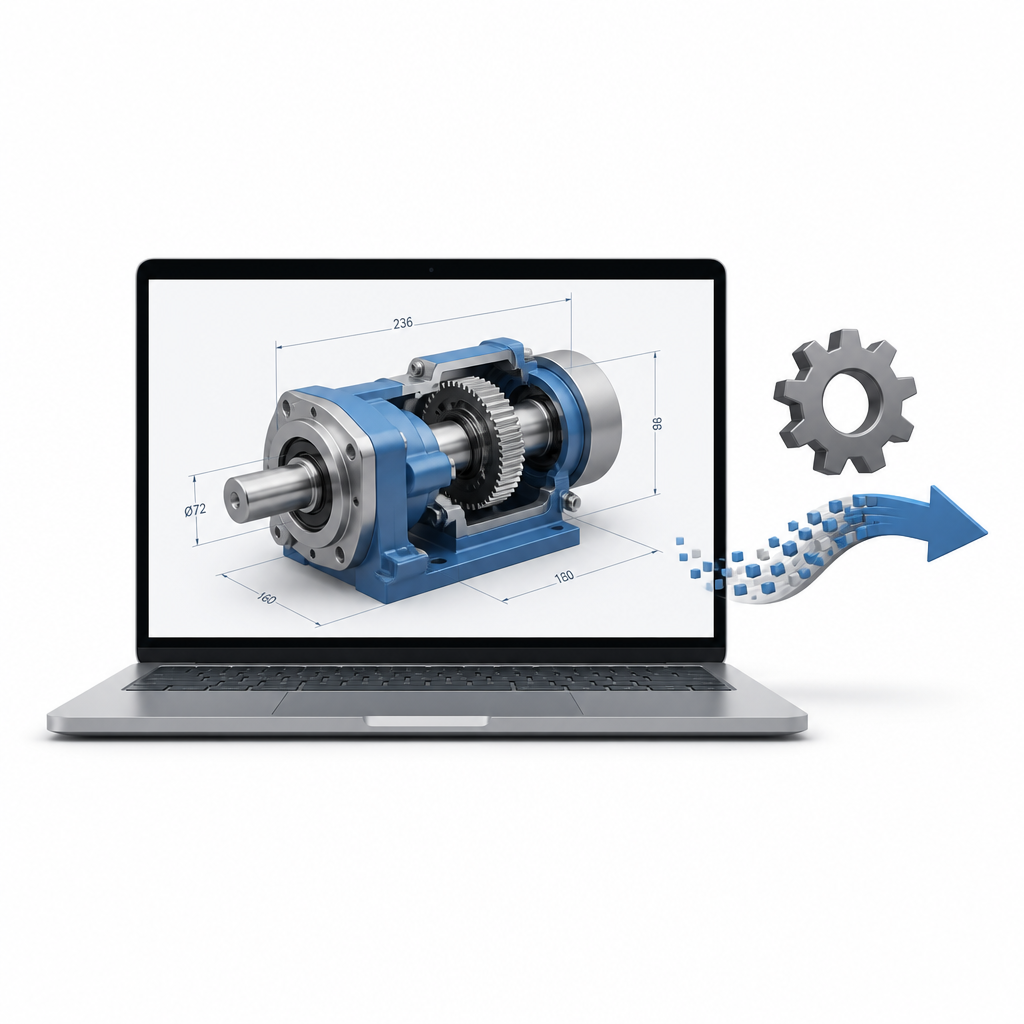
CAD Automation
We build custom macros, add-ins, and parametric templates for tools like SolidWorks, AutoCAD, and Inventor. Typical work includes batch drawing updates, automatic title blocks and BOMs, part family generation, DXF/PDF export, and standards enforcement — so your designers focus on engineering decisions, not the same clicks every day.
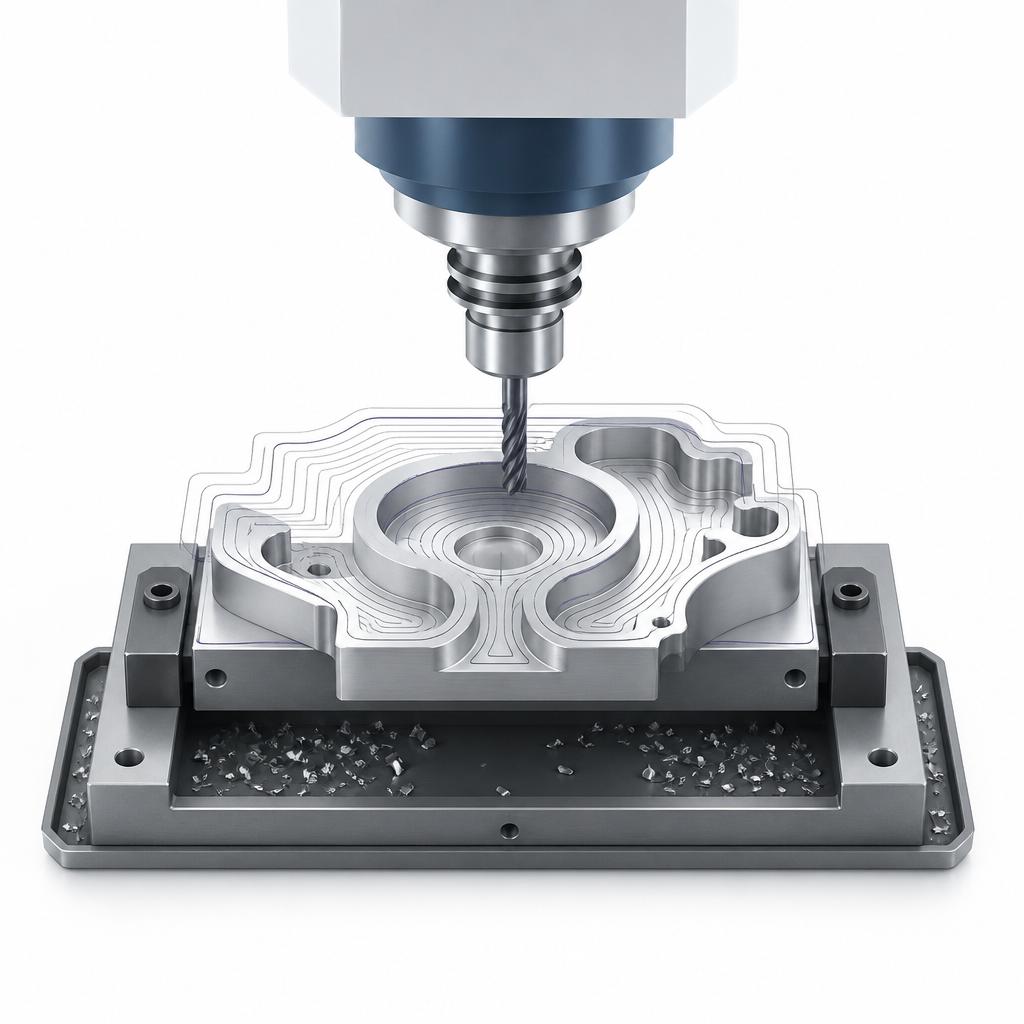
We help manufacturing teams reduce manual CAM programming by standardizing and automating repeatable steps. That can include template-driven toolpaths, nesting preparation, consistent post-processing outputs, and cleaner handoffs from design to production so programmers spend less time on routine jobs and more time on complex work.
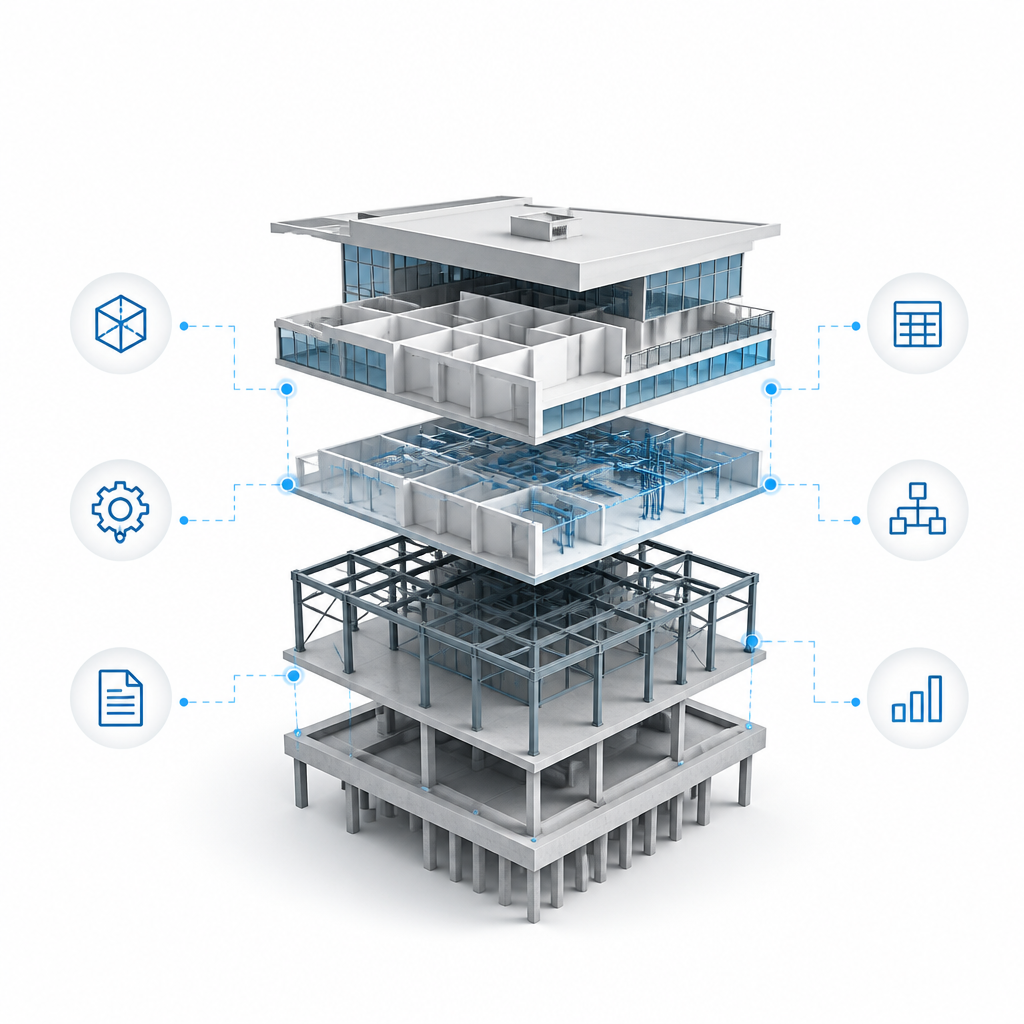
We develop practical BIM automation with C#/.NET, Dynamo, and related tools — built around your firm’s standards, not generic plugins. Common projects include sheet setup, QA checks, parameter updates, view/sheet creation, and documentation cleanup so coordinators and modelers spend less time on busywork and more time on project quality.
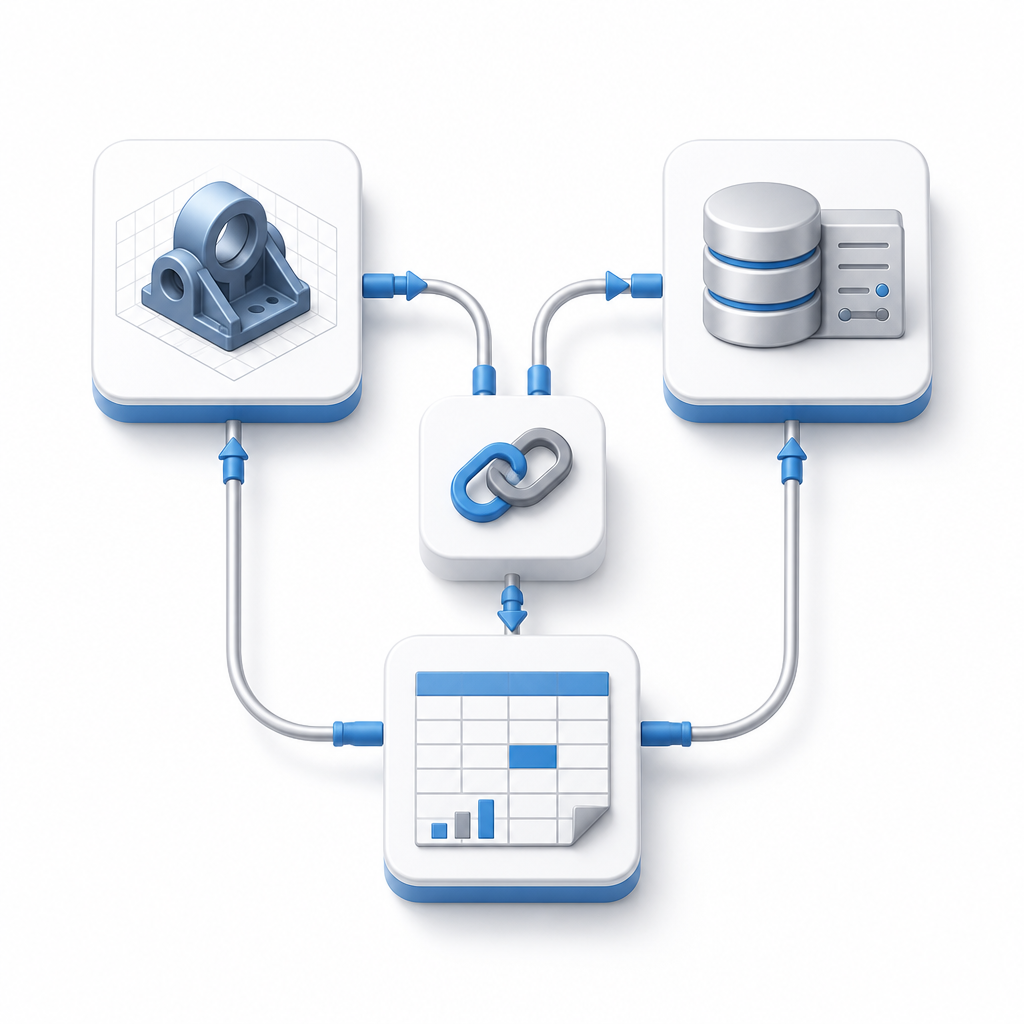
Manual handoffs between design software, Excel, ERP, PDM, and internal databases create delays and errors. We build tailored integrations so model data, BOMs, revisions, and production files move automatically — with clear rules, less re-entry, and better traceability across your team.